App Usage
Which apps you use, when, and for how long
Mortui watches how you use your phone. When that pattern stops in a way that looks like more than a quiet week, it asks you to check in. If you don’t, it can ask someone you trust to check on you — and only then does it do what you asked it to do.
Most people leave behind files they never wanted read, and things they never got to say. When someone passes away or becomes incapacitated, this digital estate often remains unmanaged.
Mortui addresses these challenges by providing an intelligent, automated solution for digital estate management — ensuring your digital wishes are carried out exactly as intended.
“Deliver what must be said, destroy what must be forgotten.”
From initial learning to action execution, Mortui operates through a carefully designed process.
During the initial 14-21 day training period, Mortui learns your unique behavioral patterns by continuously monitoring:
Which apps you use, when, and for how long
Screen unlocks, screen-on duration, typing activity
Daily step count from the step-counter sensor
Sleep patterns and daily usage timing
Using advanced statistical methods, Mortui creates a baseline "behavioral fingerprint" unique to you. The system employs:
When behavior deviates from your baseline, Mortui weighs it against two thresholds:
Suspicious
2.5+ standard deviations for 2+ consecutive days triggers a manual check-in prompt.
Critical
3.5+ standard deviations escalates fastest — but still needs a second consecutive suspicious day. No single unusual day can trigger anything.
You can add up to three emergency contacts and verify each one — they get a single text from your phone explaining that you listed them. Then, if a countdown runs four hours with no check-in, each receives one more text asking them to call you or check on you. The moment you check in, everyone who was texted gets an all-clear.
With a verified contact in place, the grace period stretches to twelve hours whenever the battery allows, so a person has time to reach you before anything irreversible happens. Emergency contacts never receive your files or final messages — only the request to check on you.
This step is optional. With no contacts added, Mortui goes from the check-in alert straight to the countdown, and everything else works exactly the same.
Based on your pre-configured preferences, Mortui can execute a range of actions. Some actions require the full version. Estate delivery is by email only — if you named emergency contacts, they are never sent your files or messages.
Three-pass overwrite — random data, zeros, then ones — flushed to disk and then deleted. Combined with Android’s file-based encryption, the content is not practically recoverable.
Send final messages, files, and instructions to designated recipients via Gmail/Outlook OAuth. Attach encrypted vault files to deliver passwords, account info, or documents alongside your message.
Store sensitive files in an on-device AES-256-GCM encrypted vault. Import files, build CSV spreadsheets, or create key-value tables with built-in templates for passwords and account credentials. Vault files are encrypted at rest using Android Keystore keys.
Four short walkthroughs recorded on a fresh install. Each one is a single screen recording with the steps explained beside it.
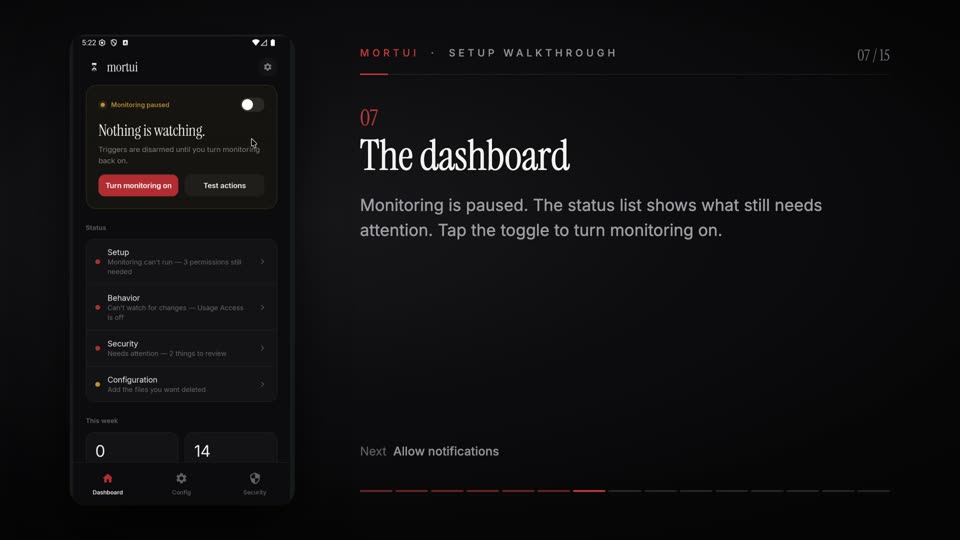 1:07
1:07 Fresh install to monitoring on: onboarding, the permissions Android asks for, and training.
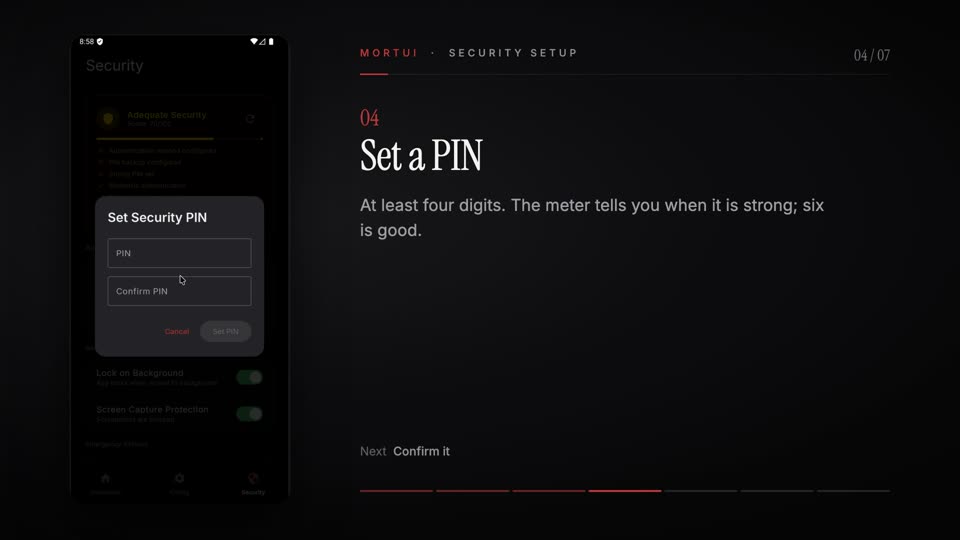 0:39
0:39 The one-time recovery code, setting a PIN, and what the PIN protects.
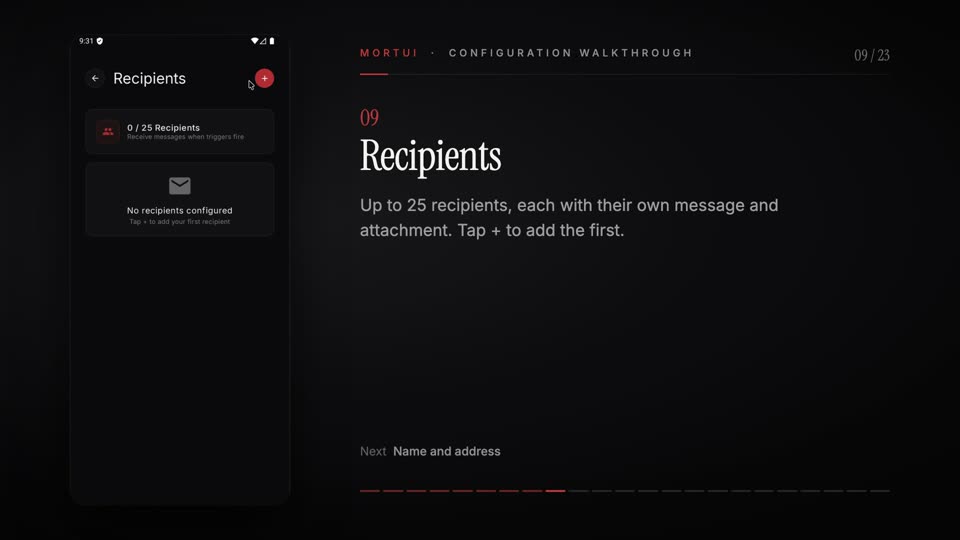 3:36
3:36 Connect an email account, add recipients and their messages, use the vault, choose files to delete.
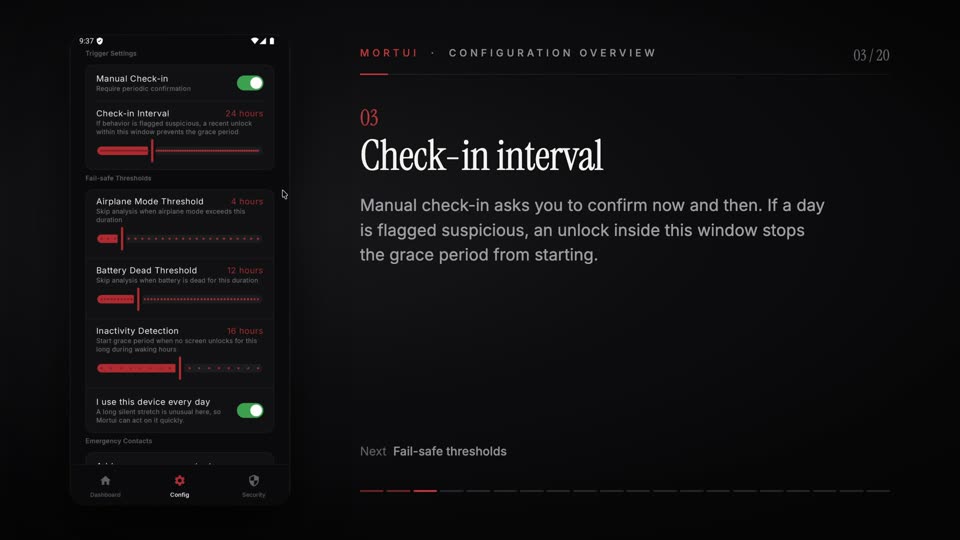 2:24
2:24 Every trigger setting explained, vacation mode, and adding an optional emergency contact.
Videos open on YouTube. Nothing from YouTube loads on this page until you click. All Mortui videos →
All behavioral data remains on your device. Zero cloud storage. No third-party analytics.